System Update
System update enables you to safely and easily update your help desk via the operator panel, without needing to manually download the update or upload any files.
Requirements
The system update tool requires several components to function:
- The cron job must be configured.
- The
disable_functionsphp.ini directive must not be set. System update makes use of functions such asproc_open,execand others. - The following CLI applications must be installed on the server:
mysqldump,tar. They will be searched for via thePATHenvironment variable.
Configuration
If the system update tool is unable to find CLI applications itself, you can use the Configure button to specify the absolute path to each binary. For example, you could set the tar path to C:\Program Files\Git\bin\tar.exe. Leave the fields empty if you want the tool to look for the applications by itself.
Updating
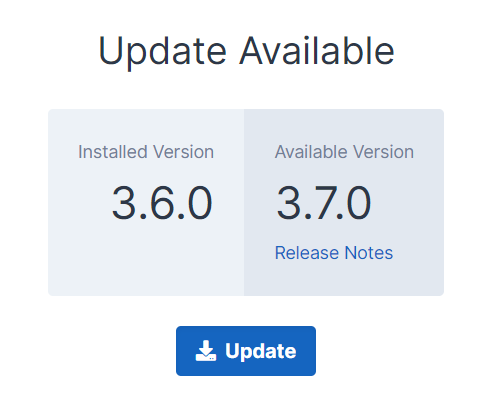
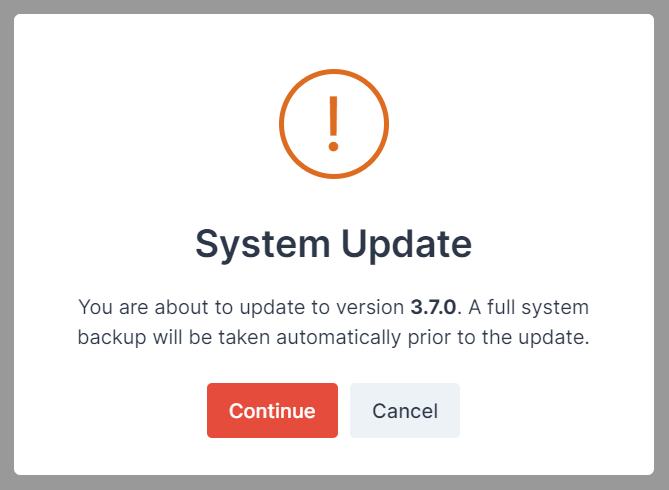
If a new version is available for your license, press the Update button, confirm the popup that shows and then it will start automatically in the background.
How It Works
- Once the
Updatebutton has been pressed, an update is scheduled and will be picked up by the next run of the cron job.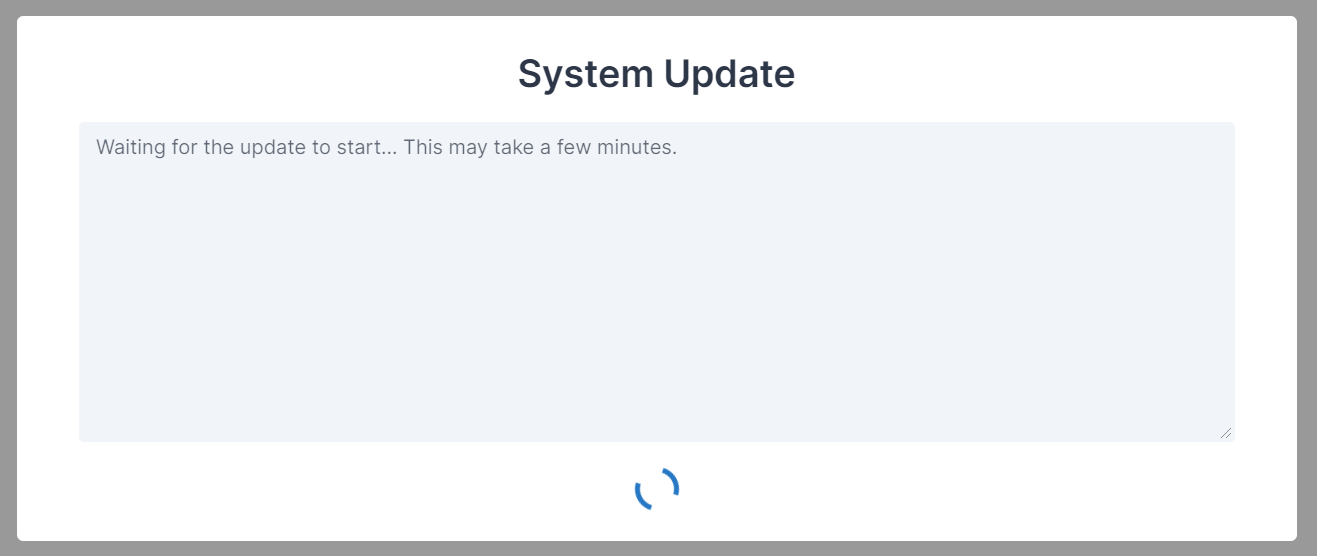 It may take a minute or two before this happens so please sit tight. No changes are made to the help desk during this wait period.
 - The cron job will open a process to run the
app:updatecommand. The output of that process will be streamed directly to your browser window.
For more information on how the internal workings of the command, see how it works. - If the update completes successfully, the spinning icon at the bottom of the modal will change to a
Continuebutton. When the button is pressed, the page will refresh and you'll be using the new version of SupportPro.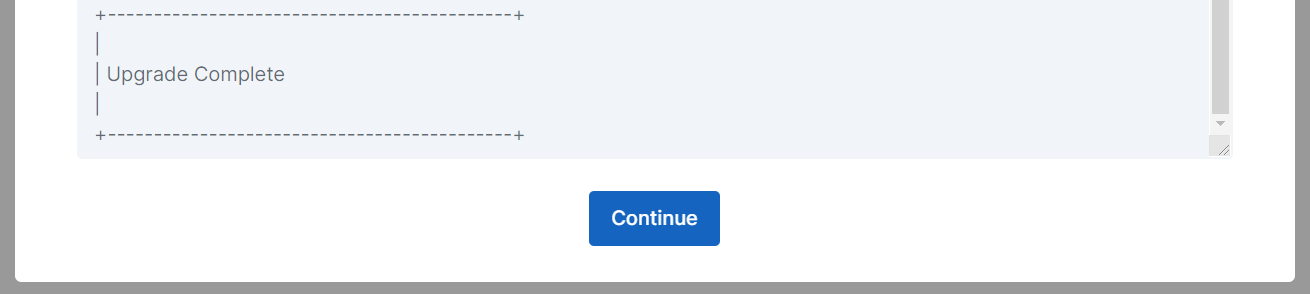
- After the
Continuebutton is pressed, the page will refresh and you'll be using the new version of SupportPro.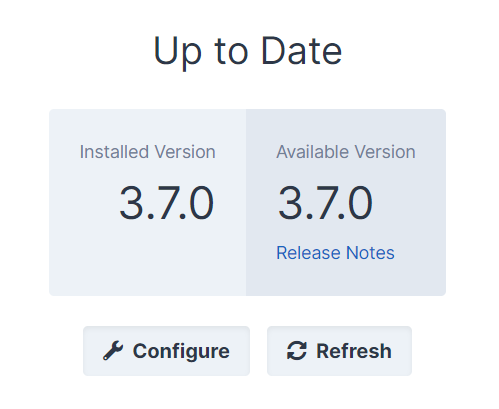
Troubleshooting
The update command tries it's best to identify failure scenarios via pre-flight checks. In the unfortunate event that the update fails to complete successfully, manual intervention is required to rectify the situation. A full backup of your help desk is always created before any changes are made to the files within the installation directory. See Backup and Restore for details on how to safely restore your help desk.
Update never starts or fails midway through.
update.log log file is only available when running system update after you are already on version 4.0.3.If the screen gets stuck on "Waiting for the update to start...". We suggest first reviewing the application log file for today, accessible at Utilities -> Logs -> Log File Manager or /storage/logs/ on the filesystem. If the update has started, there should also be an update.log file under /storage/logs, which you can review for a full log of the update progress.
The cron job must be running to use this function.

This error will show at the top of the page if the cron job is not deemed to be running. Please ensure the cron job is configured correctly, and verify it is showing as running on the Settings -> General -> Scheduled Tasks page.
The support and updates on your license have expired.

If you have an owned license and your support and updates have expired, you will need to renew in order to be able to access the latest releases of SupportPro. Click the button to order your renewal and then hit the refresh button to update the page.
Article Number: 59
Author: May 17, 2024
Last Updated: Jul 26, 2024
Online URL: https://docs.supportpro.vn/article/system-update-59.html