Social Login
How It Works
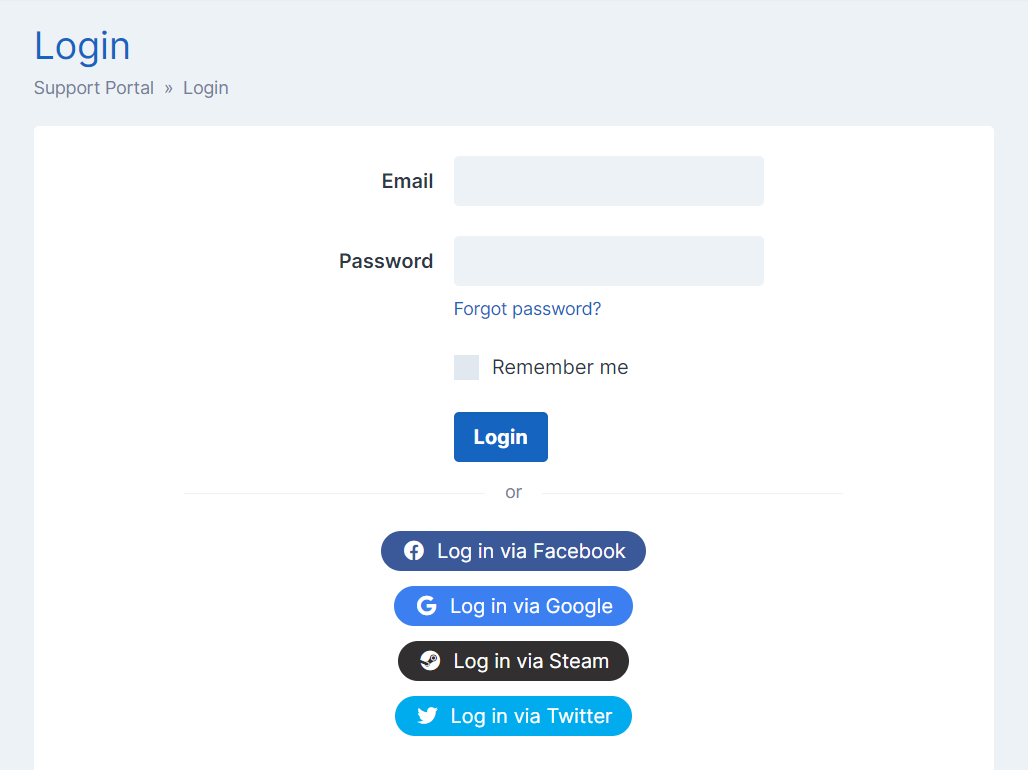
When a user goes to register an account, they will have the option to sign up with an active social provider. Clicking it will ask them to log in to the service and then pre-fill the registration form with their social account details, such as name and email. Once they complete the rest of the registration form, the social account will be automatically linked with the new SupportPro account so it can be used for login.
If a user already has a SupportPro account, they will have the option to log in with an active social provider. If they have not connected the account before, they will be asked to log in with their password once to verify their identity and link the accounts. After this, they will be able to log in directly to their SupportPro account with the social account only.
Available Providers
The social login settings can be managed by going to Settings -> Users -> Social Login, and providers can be configured by going to Settings -> General -> Third-Party Integrations.
Currently the following providers can be used, please click on the provider name to find the documentation for setting up that login integration.
Steam
X
Unlinking an Account For a User

If you need to unlink a social account for a user, this can be done under the Linked Accounts section on the user's profile:
- Visit Users -> Manage Users.
- Find the user you would like to delete in the table (see Searching for Users) and click on their name.
- Scroll down to the Linked Accounts section.
- Click the "Unlink" button for the account that you'd like to remove and confirm the pop up that shows.
Article Number: 133
Author: May 17, 2024
Last Updated: Sep 27, 2024
Online URL: https://docs.supportpro.vn/article/social-login-133.html